


Create Your Own AI Girlfriend 😈
Chat with AI Luvr's today or make your own! Receive images, audio messages, and much more! 🔥
4.5 stars


The landscape of video creation is transforming, driven by powerful generative AI. What was once the domain of specialized animators and VFX artists is now accessible to anyone with an idea. But with a flood of new AI video creation tools hitting the market, each boasting unique strengths and complex pricing, how do you choose the right one?
This guide cuts through the noise. We're not just listing features; we're providing a practical, in-depth analysis of the 12 best platforms available today. Forget the marketing copy. We'll dive deep into real-world performance, showing you exactly what each tool can (and can't) do with hands-on insights and screenshots.
We'll explore who each platform is truly for, from the solo creator crafting cinematic shorts with tools like Runway or Pika, to the enterprise team scaling corporate training videos with Synthesia or HeyGen. This resource is designed to help you make an informed decision by breaking down:
- Specific Use Cases: Discover the best tool for everything from social media clips and explainer videos to photorealistic B-roll and complex narrative sequences.
- Practical Limitations: Get an honest look at the constraints of each platform, including generation consistency, artifacting issues, and control limitations.
- Cost vs. Value: Understand the nuances of confusing credit systems and subscription tiers to find the most cost-effective solution for your specific needs.
Our goal is simple: to help you find the perfect AI video creation tools for your workflow. We'll provide a clear, comprehensive rundown so you can invest your time and money wisely and start producing stunning video content immediately. Let's get started.
1. Runway
Runway has firmly established itself as the flagship platform for creators who demand granular control over their generative video projects. It’s not just a simple text-to-video generator; it's a comprehensive suite of powerful tools designed for rapid iteration and professional-grade output. The platform's core strength lies in its multiple advanced models, including Gen-3 Alpha, which provide unparalleled command over motion, style, and cinematic aesthetics. This makes it one of the most versatile ai video creation tools available.
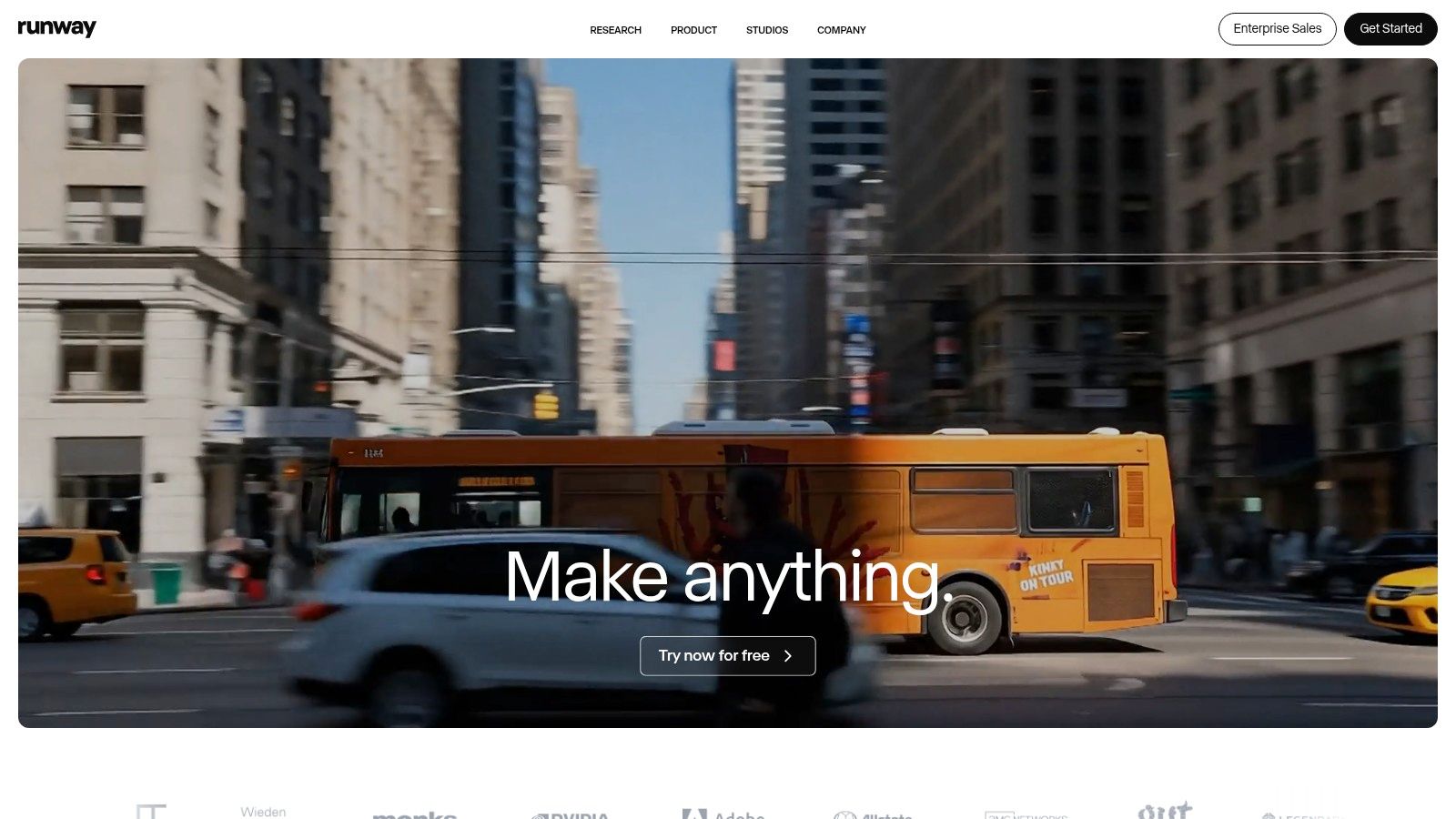
What truly sets Runway apart is its transparent, credits-based system. Unlike competitors with opaque limits, Runway provides clear cost breakdowns for every action, from generation to upscaling. This allows you to budget projects precisely, a critical feature for serious creators. The platform's API and detailed cost calculator further empower developers and studios to integrate Runway’s technology into their own workflows.
### Key Features & User Experience
Runway's interface is dense with features but remains navigable for those willing to learn. The ability to switch between text-to-video, image-to-video, and video-to-video modes within a single ecosystem is a significant workflow advantage. While the "Explore Mode" offers unlimited, slower generations, paid tiers provide faster processing speeds essential for commercial deadlines.
Pricing: Starts with a free plan offering limited credits. Paid plans begin at $12/editor/month (billed annually), providing more credits and features.
Best For: Independent filmmakers, creative agencies, and artists who need precise control and a robust toolset for creating high-quality AI-generated video content.
- Pros:
- Best-in-class motion and style control across its models.
- Transparent credit system with a cost calculator for predictable billing.
- Educational discounts are available for students and educators in the US.
- Cons:
- The credit system and various models can present a learning curve for new users.
- "Explore Mode" renders can be slow during peak usage times.
2. Synthesia
Synthesia has cornered the market for professional, avatar-driven video content, making it a go-to platform for corporate communications, training, and learning and development (L&D). Instead of focusing on cinematic or artistic generation, Synthesia excels at creating polished, consistent videos featuring hyper-realistic AI presenters. This focus on scalable, template-based production makes it one of the most efficient ai video creation tools for business applications where brand consistency and compliance are paramount.
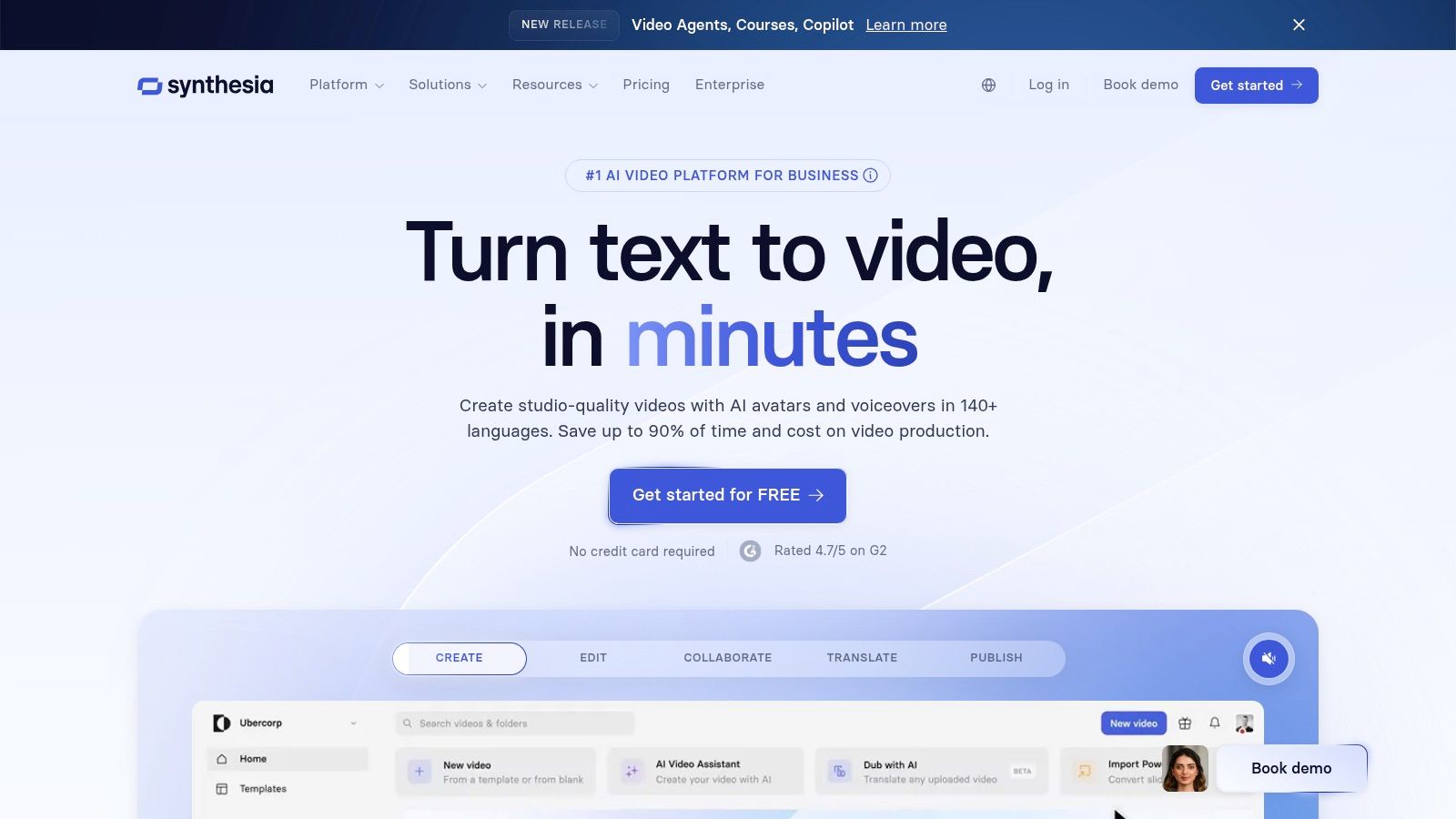
What truly distinguishes Synthesia is its enterprise-ready feature set and emphasis on scalability. The platform allows teams to create videos in over 120 languages using a vast library of stock avatars or by creating custom digital twins of their own team members. This is a game-changer for global organizations needing to localize training materials or internal announcements quickly and cost-effectively, without the logistical challenges of traditional video shoots. For those looking to understand the technology behind such digital personas, you can learn more about AI characters.
### Key Features & User Experience
Synthesia’s user interface is clean, intuitive, and designed for non-technical users. The experience is similar to building a slide deck, where you type your script, choose an avatar, and customize background elements. Its strength lies in its simplicity and reliability, delivering high-quality, moderated output that aligns with corporate standards. Advanced features like AI dubbing and multi-avatar scenes further enhance its utility for creating engaging, dialogue-based content.
Pricing: A free AI video generator is available for demos. Paid plans start at $22/month (billed annually) for individuals, with custom pricing for enterprise teams.
Best For: Corporate teams, L&D professionals, and marketers who need to produce high-volume, professional-quality presenter-led videos for training, sales, and internal communications.
- Pros:
- Excellent for scaling video production, especially for localization and team-based workflows.
- Highly polished, professional-grade output with strong moderation and brand safety guardrails.
- Intuitive, template-driven editor that is easy for non-video experts to use.
- Cons:
- Strictly avatar-centric; not suitable for creative or cinematic video generation.
- The minutes-based credit system can feel limiting on lower-tier plans.
3. Pika
Pika has carved out a niche as the go-to platform for creators who prioritize speed and rapid iteration in their video generation workflow. It excels at quickly turning text prompts or images into dynamic video clips, making it an ideal choice for social media content, prototyping, and quick visual experiments. The platform’s strength is its blend of accessibility with powerful features like scene extension, character modification, and a straightforward, pay-as-you-go API. This focus on velocity and transparency makes it one of the most practical ai video creation tools for fast-paced projects.
What truly distinguishes Pika is its commitment to cost transparency and iterative improvement. The platform provides a detailed credit schedule that clearly outlines the cost per second based on the model (Turbo/Pro) and resolution (720p/1080p). This predictability is invaluable for budgeting. Constant model updates ensure users always have access to the latest enhancements, while features like swaps, additions, and scene tools (Pikascenes) empower creators to refine their outputs without starting from scratch.
### Key Features & User Experience
Pika’s web app is designed for immediate use, allowing creators to generate videos with minimal setup. The interface is intuitive, presenting its powerful tools in a way that doesn’t overwhelm new users. The ability to easily extend video duration, modify regions, or change a character’s appearance provides a layer of post-generation control that is critical for storytelling. Commercial use rights on paid tiers make it a viable tool for professional and business applications. For those looking to see how Pika's image generation capabilities stack up, you can learn more about AI image generators.
Pricing: Offers a free plan with initial credits. Paid plans start at $8/month (billed annually), unlocking more credits, watermark-free downloads, and commercial use.
Best For: Social media managers, content creators, and developers who need to produce AI video content quickly and want a clear, predictable cost structure for their projects.
- Pros:
- Extremely fast iteration and generation speeds.
- Clear cost transparency with a detailed per-second credit schedule.
- Frequent and meaningful model updates.
- Cons:
- The combination of different models, resolutions, and features can make credit math feel complex at first.
- Higher-resolution 1080p generations consume significantly more credits.
4. Luma AI Dream Machine
Luma AI's Dream Machine has quickly emerged as a serious contender, focusing on one critical element: high-quality, physically plausible motion. While other platforms excel in stylistic flair, Dream Machine prioritizes creating video that feels grounded in reality, with characters and objects that move with convincing weight and momentum. Its ability to interpret text and image prompts to produce smooth, coherent, and often breathtakingly realistic short clips makes it an exceptional choice for creators who value verisimilitude.
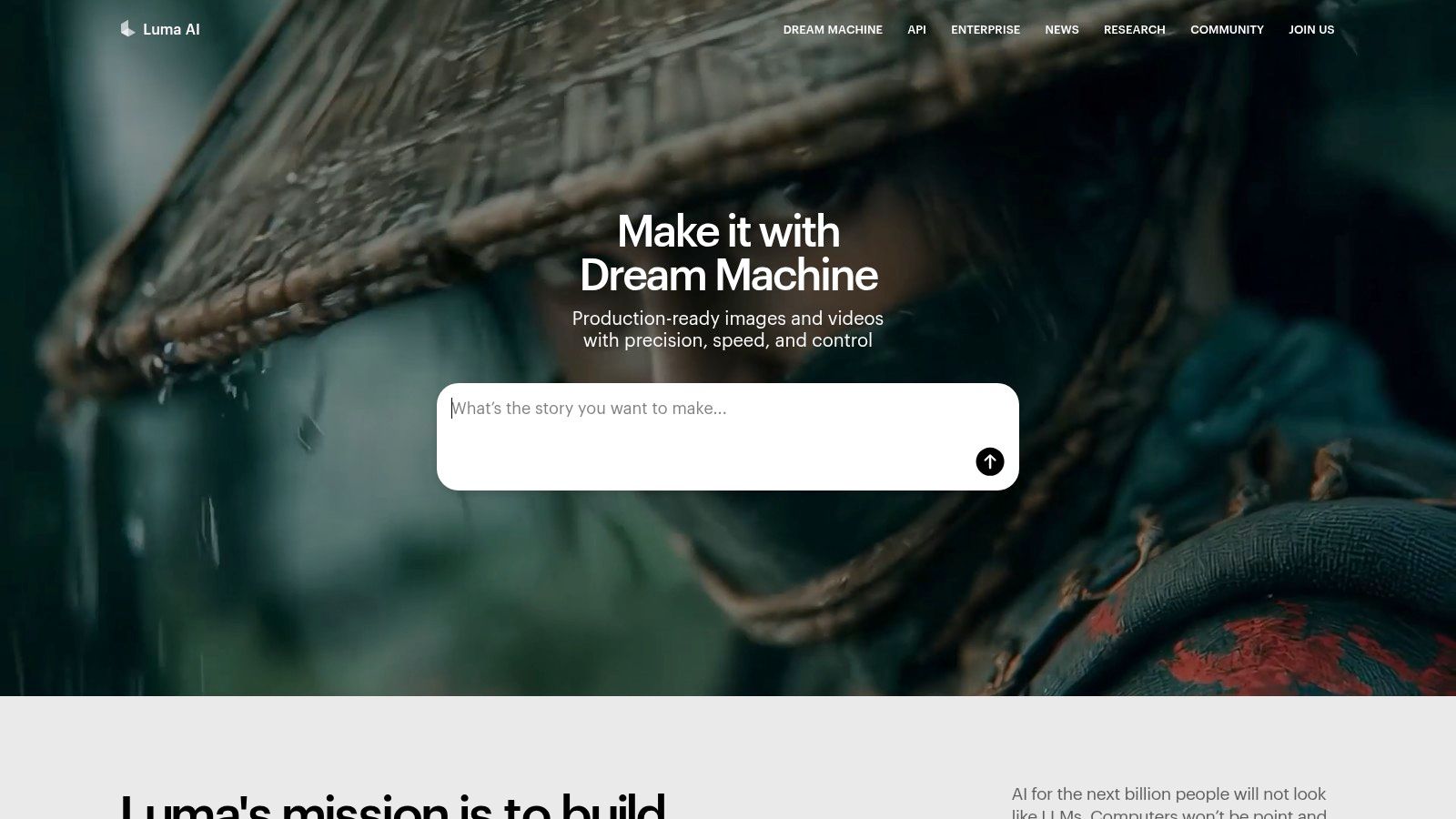
What makes Dream Machine stand out is its straightforward, accessible approach. Unlike the complex credit gymnastics required by some platforms, Luma offers a simple tiered system that’s easy to understand. This focus on user experience allows creators to concentrate on their vision rather than calculating costs. For those seeking one of the best ai video creation tools for generating lifelike scenes without a steep learning curve, Dream Machine delivers impressive results with minimal friction.
### Key Features & User Experience
The platform's interface is clean and intuitive, centered around a simple prompt bar for text-to-video and an upload option for image-to-video. Paid plans unlock priority generation, which is essential for timely outputs, as well as access to higher-quality Ray models and advanced features like 4K up-res and HDR. The distinction between commercial and non-commercial rights is clearly defined by the plan, simplifying its use for professional projects.
Pricing: A free plan is available with 30 generations per month (watermarked, non-commercial use). Paid plans start at $29.99/month for 120 generations and go up to an unlimited plan.
Best For: Social media creators, marketing teams, and artists who need to quickly generate high-fidelity, realistic video clips and value a simple, straightforward user experience.
- Pros:
- Generates exceptionally realistic and physics-aware motion.
- Simple and easy-to-understand plan structure.
- Commercial rights are included with paid tiers.
- Cons:
- Free and lower-tier plans include watermarks and are for non-commercial use only.
- Advanced features like 4K upscaling and priority processing require higher-priced plans.
5. HeyGen
HeyGen carves out a specific niche within the AI video landscape by focusing on polished, avatar-driven presentations. It excels at transforming simple text into professional-looking videos featuring a diverse library of stock avatars or custom-made ones. This streamlined approach is ideal for creating corporate training materials, marketing messages, and sales pitches at scale. Rather than focusing on cinematic generation, HeyGen has positioned itself as one of the best ai video creation tools for scalable, human-centric communication.
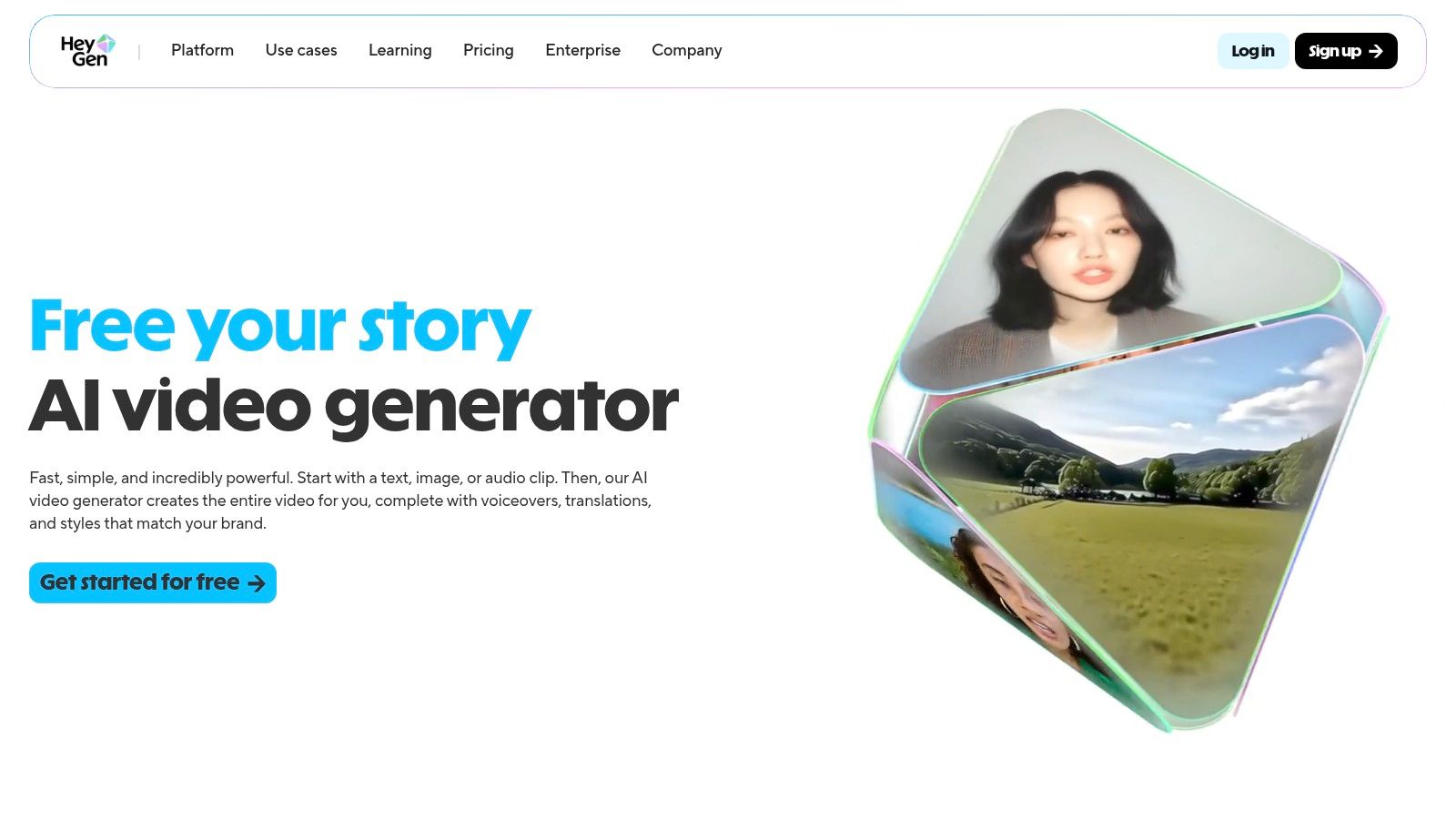
The platform’s standout feature is its powerful localization and AI dubbing capability. With support for over 30 languages, users can adapt a single video for global audiences in minutes, a task that would traditionally require significant time and resources. This makes it an invaluable asset for international teams looking to maintain brand consistency across different regions without the high cost of reshooting content.
### Key Features & User Experience
HeyGen offers an intuitive, template-driven interface that makes video creation accessible to users without any editing experience. The process is straightforward: choose an avatar, type or upload a script, and generate. The platform’s generous free tier allows for extensive testing, while paid plans unlock features like watermark removal, higher credit limits, and crucial team collaboration tools.
Pricing: Offers a free plan with 1 minute of credit. Paid plans start at $24/month (billed annually), which provides more credits and premium features.
Best For: Marketing, sales, and learning & development teams that need to quickly produce and localize professional-quality, avatar-based video content for corporate communications.
- Pros:
- Excellent for creating a consistent pipeline of corporate videos.
- Powerful localization and dubbing features simplify global content strategy.
- A strong free tier allows for a thorough trial before committing.
- Cons:
- The avatar aesthetic is not suitable for creative or cinematic projects.
- Less functionality for freeform, artistic, or non-talking-head video generation.
6. Descript
Descript carves a unique niche by blending traditional video editing with powerful AI features, focusing on a revolutionary text-based workflow. Instead of scrubbing through timelines, you edit video by simply editing the auto-generated transcript, like a word document. This intuitive approach dramatically speeds up the post-production process, making it one of the most practical ai video creation tools for content creators who prioritize efficiency and narrative refinement.
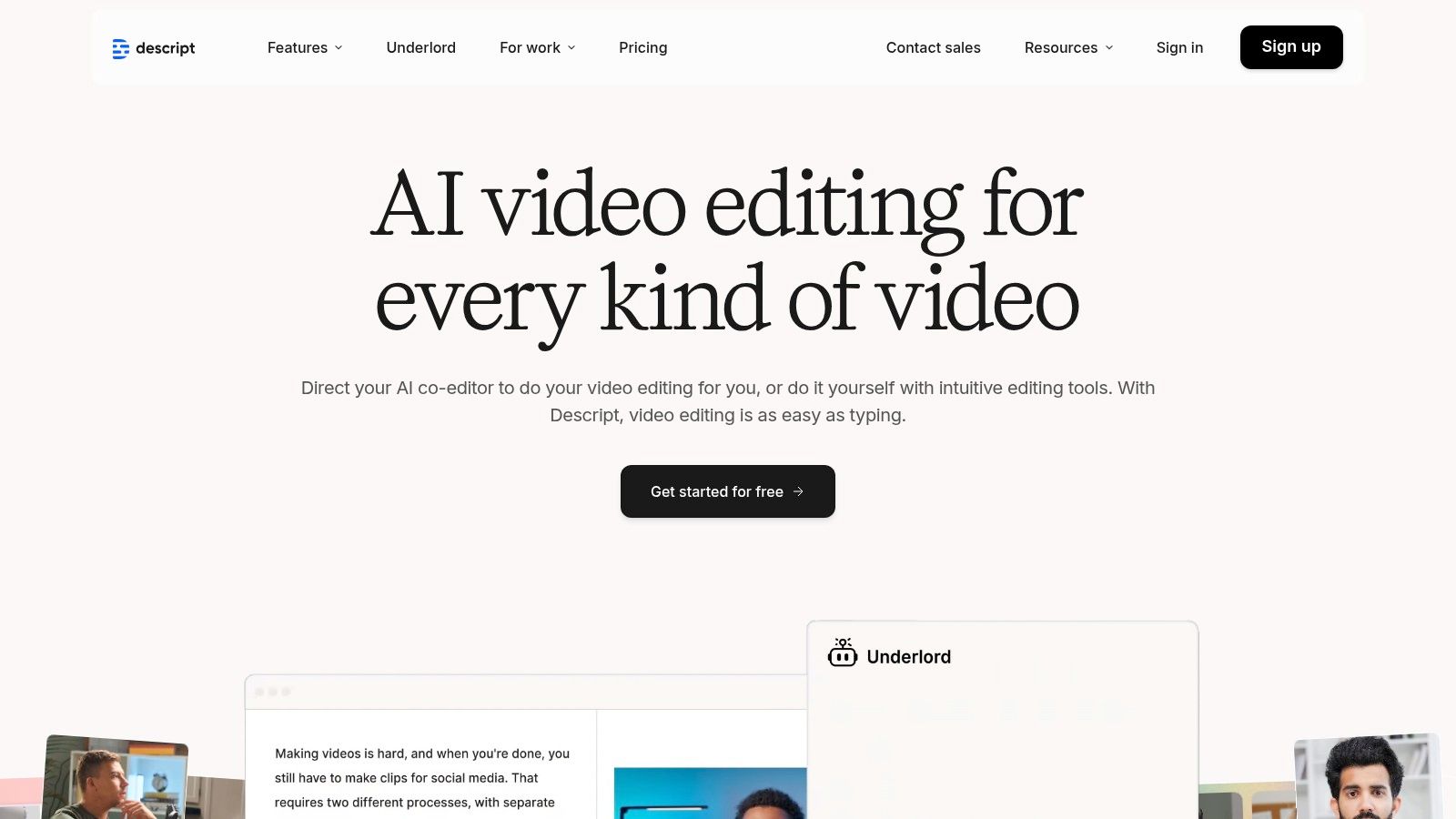
What truly makes Descript stand out is its all-in-one ecosystem designed for podcasters and video creators. It integrates remote recording (via SquadCast), screen recording, transcription, and generative AI into a single subscription. Features like Overdub for voice cloning and Studio Sound for background noise removal solve common production headaches instantly, bridging the gap between raw recording and polished final output without needing multiple applications.
### Key Features & User Experience
Descript’s interface is clean and centered around the transcript, which is a major usability win for creators new to video editing. The platform's ability to automatically detect and remove filler words like "um" and "uh" with a single click is a game-changer. While the plan structure ties usage to media hours and AI credits, it provides a clear pathway for users to scale as their production needs grow, with higher tiers unlocking 4K exports and more advanced features.
Pricing: Offers a free plan with limited features. Paid plans start at $12/editor/month (billed annually), increasing media hours and access to AI tools.
Best For: Podcasters, educators, YouTubers, and marketing teams who need an efficient, all-in-one platform for recording, transcribing, and editing spoken-word video content.
- Pros:
- Seamless and intuitive text-based video editing workflow.
- Balanced suite of generative AI features and professional editing tools.
- Nonprofit and education discounts are available.
- Cons:
- Heavy use of generative features may require purchasing additional credits.
- The plan complexity, tied to both media hours and AI credits, can be confusing.
7. Kapwing
Kapwing stands out as a fast, browser-based editor that masterfully blends traditional video editing with powerful AI features. It is specifically engineered for creators focused on social media and content repurposing, offering a streamlined workflow to turn ideas into shareable clips quickly. Rather than competing with cinematic generators, Kapwing excels at practical, everyday tasks like converting articles to videos, generating auto-subtitles, and creating clips with AI avatars and text-to-speech. This makes it an indispensable tool for marketers and content creators.
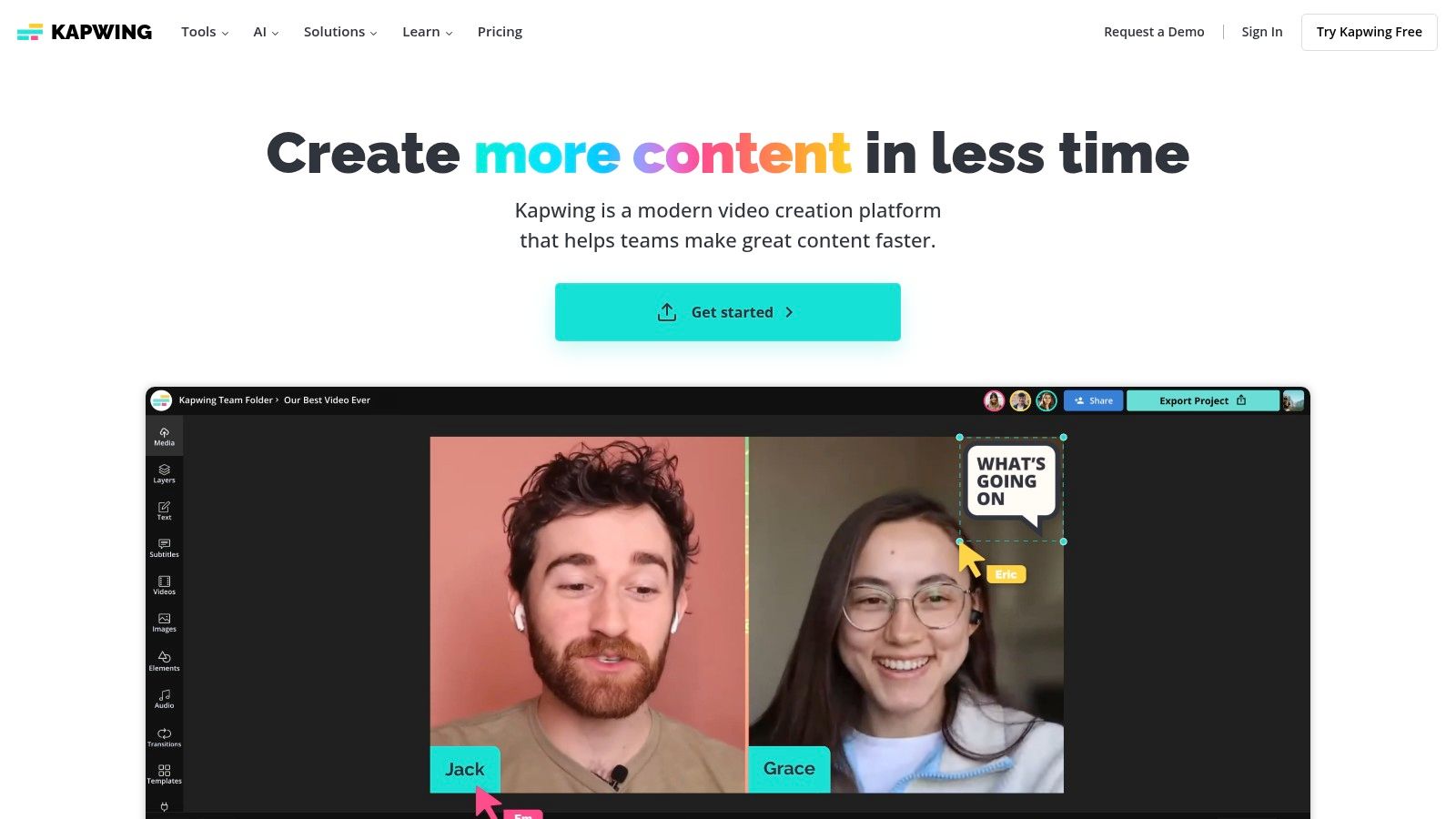
The platform operates on a straightforward credits system for its AI generations, ensuring users understand the cost associated with each action, from dubbing to video generation. This transparency is a significant advantage for those managing a content budget. Kapwing’s suite is less about generating video from scratch and more about enhancing and automating the creation process, positioning it as one of the most practical ai video creation tools for rapid content production.
### Key Features & User Experience
Kapwing’s user interface is clean and intuitive, making it accessible even for those with minimal video editing experience. Its AI-powered features, like the article-to-video converter and automatic subtitler with translation, are massive time-savers. The ability to quickly generate a video with a talking avatar directly from a script is perfect for creating faceless content for platforms like YouTube Shorts and TikTok.
Pricing: Offers a free plan with watermarked exports. Paid plans start at $16/user/month (billed annually) to remove watermarks and provide more credits.
Best For: Social media managers, content marketers, and educators who need to quickly repurpose existing content or create simple, engaging videos without a steep learning curve.
- Pros:
- Excellent for fast social media clip creation and content repurposing.
- Clear documentation and transparent per-generation credit costs.
- All-in-one platform combining AI tools with a traditional editor.
- Cons:
- Free plan exports include a prominent watermark.
- Heavy use of AI features can consume credits quickly on lower-tier plans.
8. VEED
VEED positions itself as a comprehensive online video suite where AI enhances traditional editing workflows rather than completely replacing them. It excels in augmenting content with smart features, making it an ideal choice for teams that need to produce polished, accessible videos quickly. While it offers generative capabilities, its core strength lies in a robust set of template-driven tools designed for marketing, training, and social media content creation. This focus on practical, everyday video tasks makes it one of the most accessible ai video creation tools for business users.
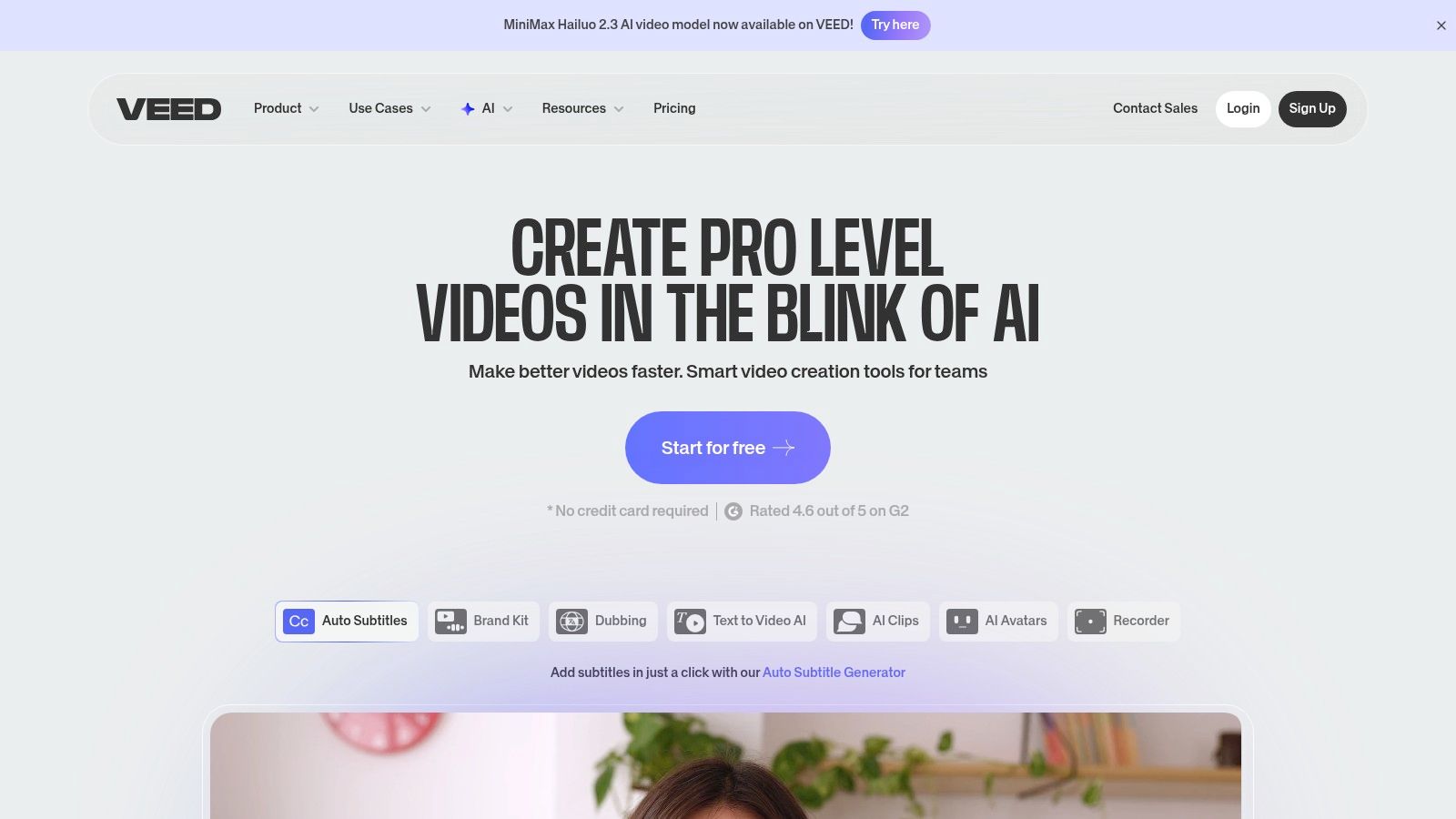
What truly distinguishes VEED is its emphasis on collaboration and accessibility. The platform's AI-powered subtitle generation and translation tools are best-in-class, allowing teams to repurpose content for global audiences effortlessly. Features like automatic background noise removal, eye contact correction, and a vast template library streamline the production process, enabling users without deep technical expertise to create professional-looking videos. The collaborative workspaces make it simple for teams to review, comment on, and approve projects in one central hub.
### Key Features & User Experience
VEED’s user interface is clean, intuitive, and built for speed. The template-driven approach makes it incredibly easy for new users or entire teams to get started and maintain brand consistency across projects. While some of its most advanced generative features, like text-to-video, are powered by integrated partner models, they are seamlessly incorporated into the user-friendly editor. This hybrid approach gives users the best of both worlds: a powerful editing suite with cutting-edge AI enhancements.
Pricing: Offers a free plan with watermarked exports. Paid plans start at $12/editor/month (billed annually) for individuals and scale up with Pro and Business tiers for teams.
Best For: Marketing teams, corporate trainers, and content creators who need an all-in-one platform for editing, subtitling, and collaborating on video projects.
- Pros:
- Excellent AI-powered subtitling and translation capabilities.
- Easy to onboard teams with collaborative workspaces and templates.
- Competitive pricing for a feature-rich online video editor.
- Cons:
- Lacks the deep cinematic control found in dedicated generative platforms.
- Relies on integrated partners for some of its most advanced generative AI features.
9. invideo AI
invideo AI positions itself as a complete "idea-to-video" solution, specifically designed for marketers and agencies needing to produce content at scale. It streamlines the entire creation process, starting from a simple text prompt and handling everything from scriptwriting and scene creation to voiceovers and final edits. The platform's major advantage is its integration of a vast stock media library alongside its generative capabilities, making it one of the most practical ai video creation tools for content marketing.
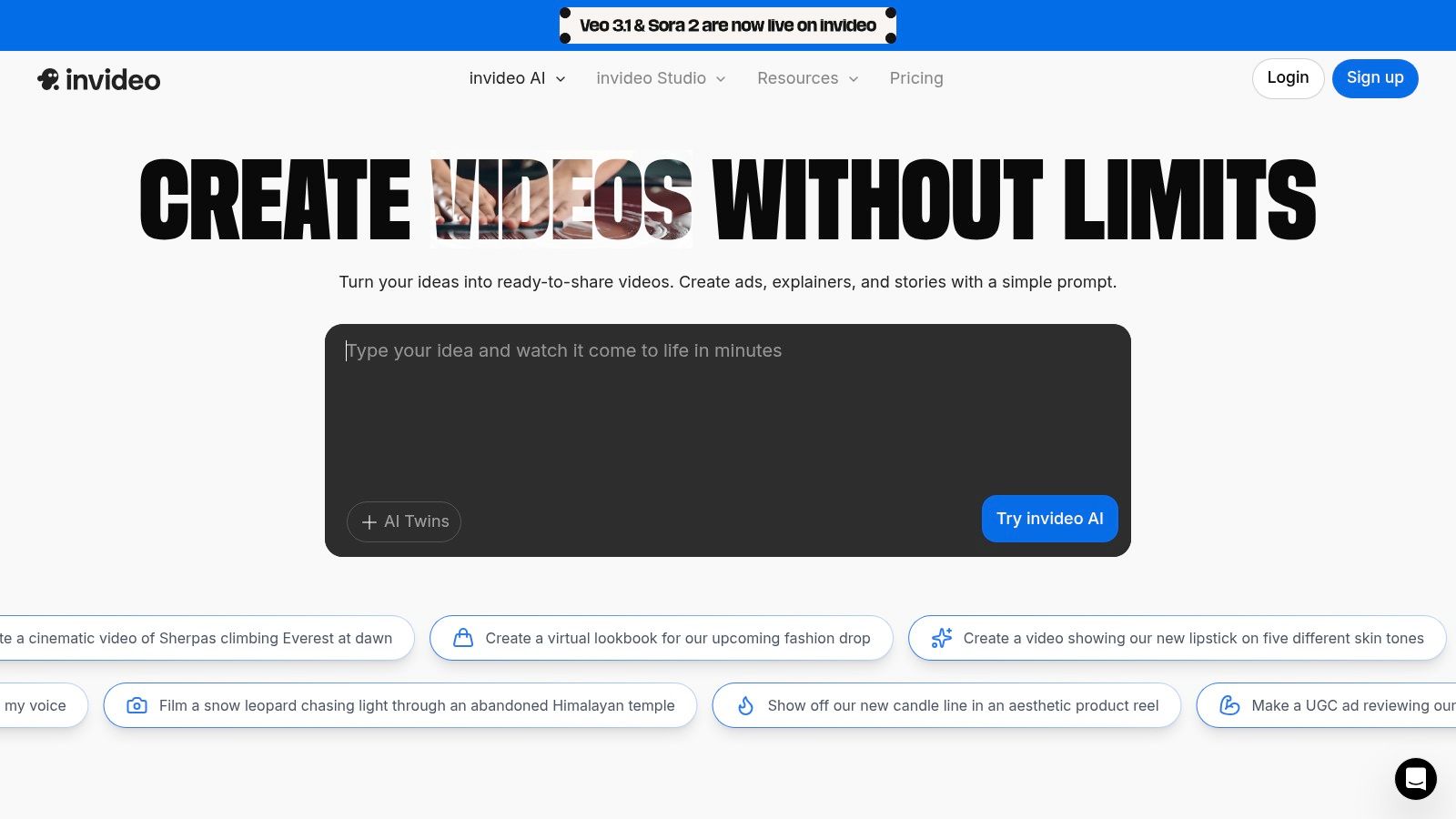
What makes invideo AI stand out is its workflow-centric design. Instead of just generating clips, it builds entire video projects, including scripts, voiceovers with AI avatars, and scenes pulled from its premium stock footage collection. This bundled approach provides significant value, especially for teams creating UGC-style ads or social media content, as it consolidates multiple subscriptions into a single, cohesive platform.
### Key Features & User Experience
The user experience is built around a guided workflow, asking you for the core idea and then generating a full script and video storyboard that you can then edit. This makes it highly accessible for users without deep video editing experience. The platform’s unique combination of AI script generation, text-to-speech with avatars, and a massive stock library simplifies producing professional-looking videos in minutes.
Pricing: Offers a weekly free tier with watermarked exports. Paid plans like Plus and Max start at $20/month (billed annually) and offer more minutes, stock media usage, and features.
Best For: Marketing teams, social media managers, and agencies who need to rapidly create promotional videos, explainers, and UGC-style ads without starting from scratch.
- Pros:
- All-in-one workflow from script to final video with integrated stock assets.
- Excellent value bundles combining AI minutes, stock media, and avatars.
- Offers 24/7 support and significant savings on annual plans.
- Cons:
- The credit and minutes system can be confusing to navigate initially.
- The most advanced generative AI features are often limited to higher-tier plans.
10. Canva
Canva has expanded beyond its graphic design roots to become an all-in-one content creation powerhouse, now featuring integrated AI video generation. Leveraging Google's advanced Veo 3 model, Canva allows users to create short video clips directly from text prompts within its familiar, user-friendly ecosystem. This integration makes it an exceptional choice for marketing teams and social media managers who need to produce video content quickly without leaving their primary design platform. Its strength lies in combining AI generation with a massive library of templates and brand management tools, making it one of the most accessible ai video creation tools for business use.
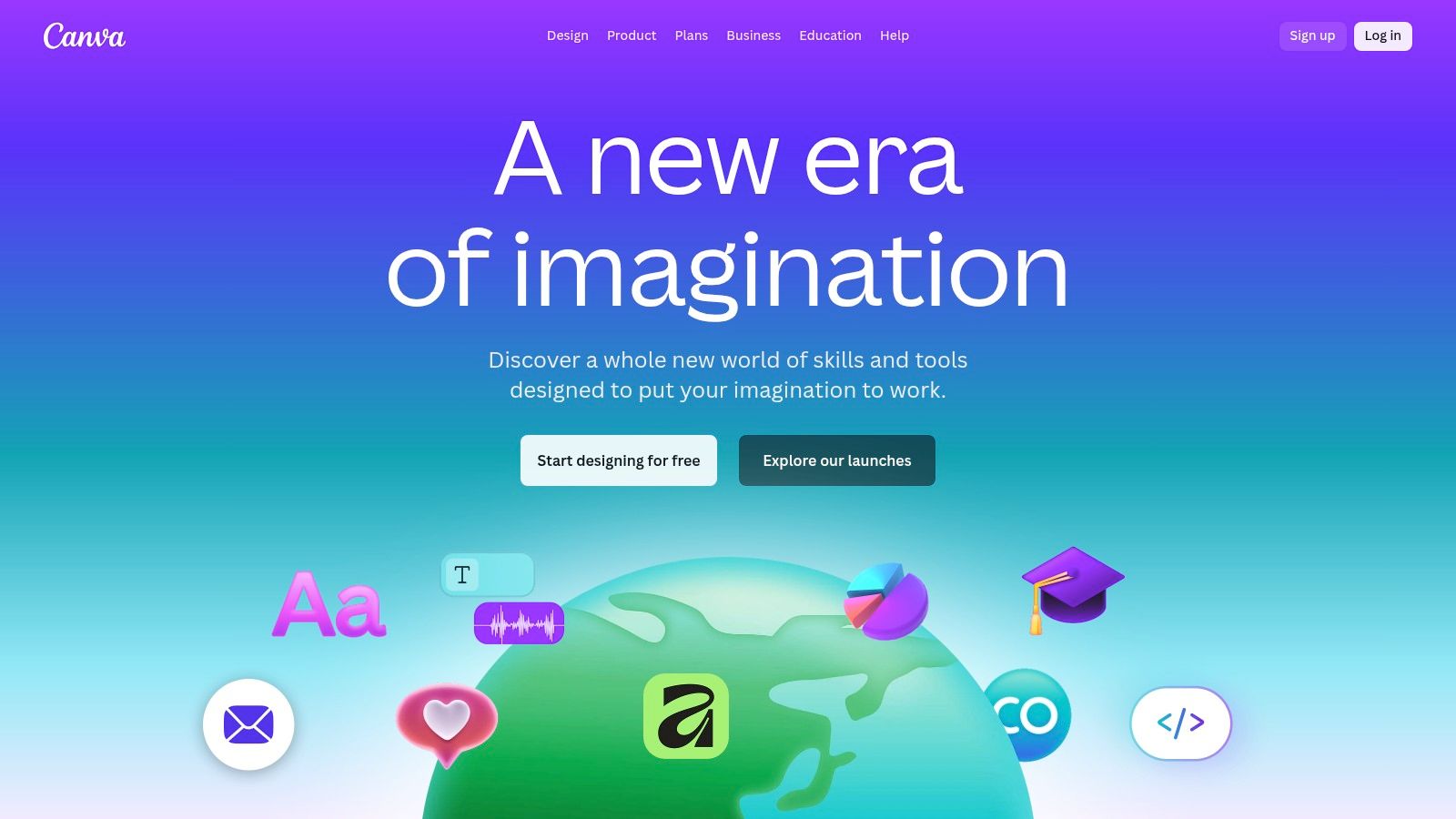
What sets Canva apart is its seamless workflow. You can generate a clip and immediately drop it into Canva’s timeline editor, adding text, graphics, music, and other brand elements from its extensive library. This removes the friction of downloading from one tool and uploading to another, streamlining the entire content creation process from concept to final export. It's built for efficiency, especially for users already invested in the Canva ecosystem.
### Key Features & User Experience
Canva’s interface is famously intuitive, and its AI video feature is no exception. The prompt-to-clip generation is straightforward, and the real power comes from the ability to instantly edit the generated assets within the platform's robust video editor. While it may not offer the deep cinematic controls of specialized generators, its integration with brand kits, stock media, and templates provides unmatched convenience for branded content production. Paid plans unlock higher generation limits, which are essential for active content teams.
Pricing: Offers a free plan with limited AI credits. Paid plans like Canva Pro start at $14.99/month per person, providing higher AI usage limits and premium features.
Best For: Marketing professionals, social media managers, and small business owners who need a fast, integrated solution for creating branded video content without a steep learning curve.
- Pros:
- Massive ecosystem of templates, stock media, and brand tools.
- Extremely simple and intuitive for non-editors and marketing teams.
- Seamless integration between AI generation and a full video editor.
- Cons:
- Video generation limits per month, especially during the initial rollout.
- Less granular cinematic control compared to specialized AI video generators.
11. Adobe Express + Firefly Video
Adobe enters the generative video space by integrating its Firefly Video models directly into Adobe Express, creating a powerful toolset grounded in the company's trusted creative ecosystem. This integration is designed for users who prioritize brand safety, commercial viability, and seamless workflow continuity. By training Firefly on licensed content, Adobe offers indemnification for generated assets, a critical assurance for enterprise clients and professional creators concerned with copyright. This makes it a standout among ai video creation tools for corporate and brand-focused work.
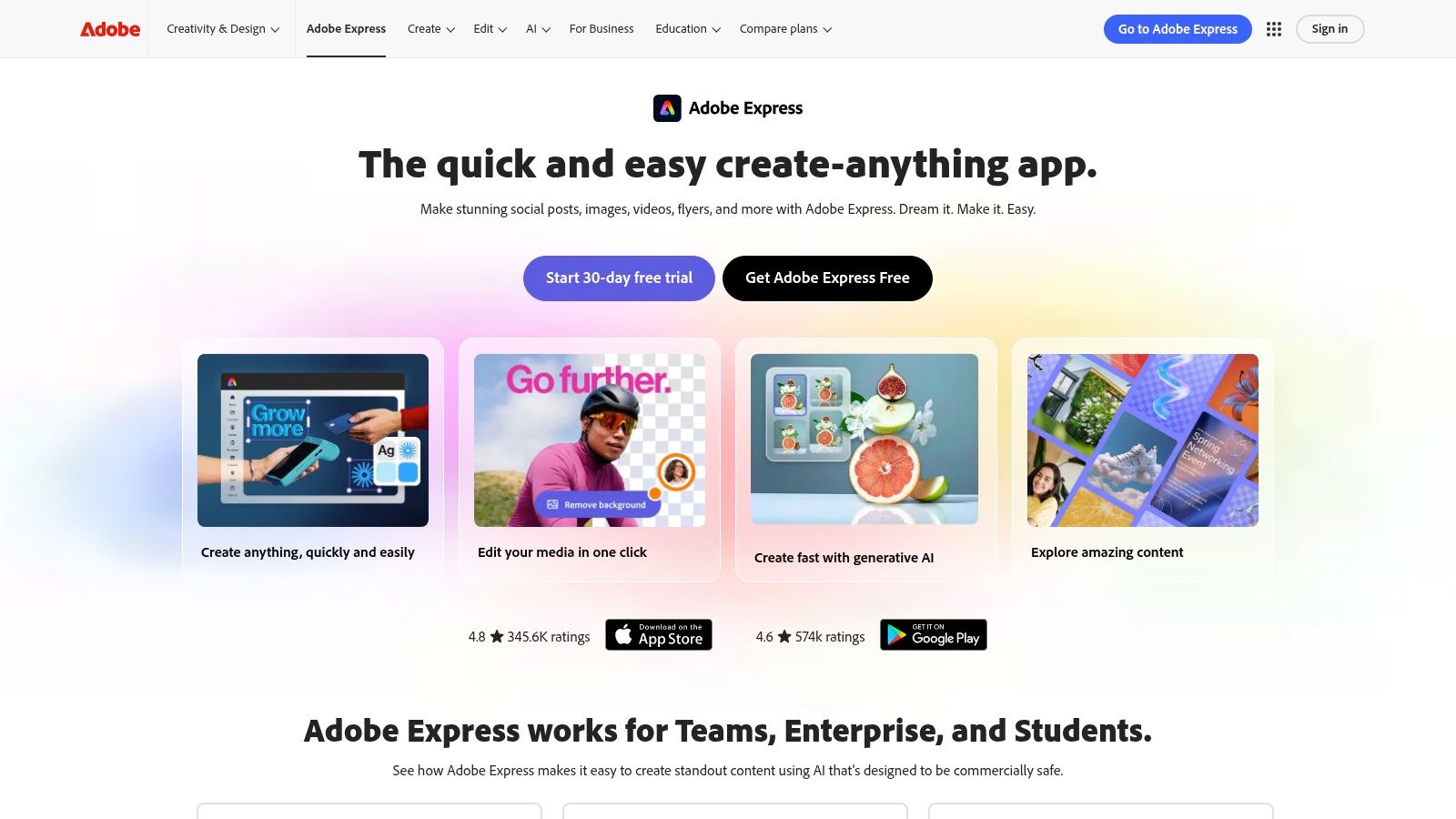
What makes this platform compelling is its direct pathway into the broader Adobe Creative Cloud. Users can generate short video clips within Express and then easily bring them into Premiere Pro for more advanced editing and post-production. This unified workflow is a significant advantage for anyone already invested in Adobe's software suite. The system operates on a clear, monthly generative credit allocation, allowing users to manage their usage transparently across different Adobe applications.
### Key Features & User Experience
The user experience is classic Adobe: polished, intuitive, and designed for efficiency. Generating video clips from text prompts is straightforward, and the platform provides access to a host of other Express features like templates, audio tools, and design assets. This all-in-one approach simplifies the creation of social media content, marketing materials, and quick video concepts without leaving the application.
Pricing: Adobe Express Premium includes a monthly allocation of generative credits. Higher-volume needs can be met with specific Firefly plans. Enterprise and nonprofit programs are also available.
Best For: Marketing teams, enterprise users, and creative professionals who need commercially safe, indemnified AI-generated video clips that integrate seamlessly with Adobe Creative Cloud applications.
- Pros:
- Commercially safe and indemnified assets from a trusted brand.
- Excellent integration with Premiere Pro and the Adobe ecosystem.
- Clear monthly generative credit system for predictable usage.
- Cons:
- Initial video clip generations are quite short (around 5 seconds).
- Longer or higher-quality clips consume more credits, potentially requiring a higher-tier plan.
12. CapCut
CapCut has rapidly become the go-to editor for the short-form video explosion, democratizing content creation with an incredibly accessible, template-driven approach. While known primarily as a user-friendly mobile and desktop editor, its expanding suite of AI features solidifies its place among modern ai video creation tools. The platform's strength is its seamless cross-device workflow, allowing creators to start a project on their phone and finish it on their desktop with zero friction.
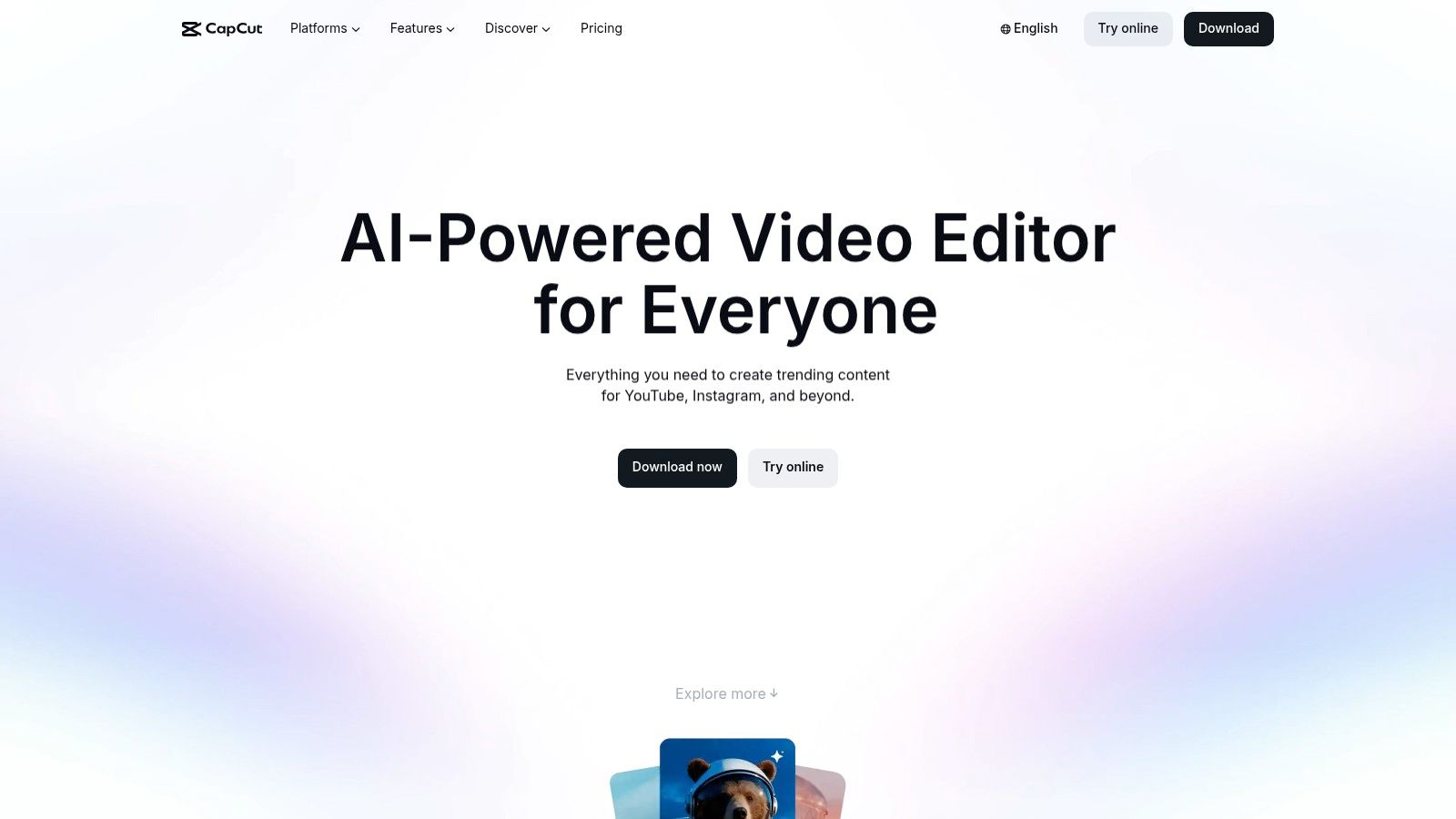
What makes CapCut so compelling is its massive library of pre-built templates and AI-powered effects that anyone can apply with a single tap. It lowers the barrier to entry for creating visually engaging content that aligns with current social media trends. The integration of a cloud asset library and a Pro subscription that unlocks premium tools, effects, and higher export quality makes it a powerful, all-in-one solution for creators focused on speed and efficiency.
### Key Features & User Experience
CapCut's interface is celebrated for its simplicity, mirroring the familiar timelines of popular social media apps. This makes it instantly intuitive for its target audience. The platform offers a range of AI tools, including auto-captions, background removal, and style-transfer effects. The Pro version enhances this with more sophisticated AI features, a larger media library, and cloud collaboration, catering to creators ready to elevate their content beyond basic edits.
Pricing: Offers a robust free version. CapCut Pro subscription pricing varies by region and platform (e.g., App Store, Google Play) but is generally a low-cost monthly or annual fee.
Best For: Social media managers, TikTok and Instagram creators, and anyone needing a fast, easy-to-use video editor with trendy AI effects and templates.
- Pros:
- Extremely low barrier to entry with a massive template ecosystem.
- Seamless workflow across mobile, desktop, and web applications.
- Vast library of AI effects perfect for short-form video trends.
- Cons:
- Pricing can be inconsistent and change frequently depending on the region and app store.
- Advanced AI generation features are often locked behind the Pro subscription.
Top 12 AI Video Tools — Feature Comparison
| Platform | Core features ✨ | USP / Strengths 🏆 | Quality / UX ★ | Pricing / Value 💰 | Target audience 👥 |
|---|---|---|---|---|---|
| Runway | ✨ Text→video, image→video, video→video, API, upscaling | 🏆 Best-in-class motion & style control; transparent credits | ★★★★☆ — professional, steeper learning curve | 💰 Credits-based, transparent pricing; edu discounts | 👥 Pro creators, studios, rapid-iteration users |
| Synthesia | ✨ Avatar-based videos, templates, AI dubbing, multi-avatar scenes | 🏆 Polished corporate output with moderation & compliance | ★★★★ — easy templated editor | 💰 Minutes/credits tiers; enterprise licensing | 👥 Teams, L&D, corporate comms |
| Pika | ✨ Fast text/image→video, scene tools (Pikascenes), pay‑as‑you‑go API | 🏆 Very fast iteration with clear per-second cost transparency | ★★★★☆ — fast but credit math can be complex | 💰 Pay-as-you-go; per-second/720p pricing | 👥 Fast-iterate creators, developers, prototypers |
| Luma AI Dream Machine | ✨ Physics-aware motion, Ray models, 4K up-res & HDR options | 🏆 High-quality, realistic motion for short clips | ★★★★☆ — high fidelity; free tier watermarks | 💰 Free→Unlimited tiers; up-res on higher plans | 👥 Cinematic creators, VFX-focused users |
| HeyGen | ✨ 500+ stock avatars, custom avatars, 30+ language dubbing | 🏆 Strong localization & stock-avatar pipeline | ★★★★ — simple corporate workflow | 💰 Generous free tier; paid removes watermark & limits | 👥 Marketers, sales, localization teams |
| Descript | ✨ Text-based editing, overdub/voice-clone, transcription, dubbing | 🏆 All-in-one editor + recording; seamless text workflow | ★★★★ — intuitive editing; credits/media-hour limits | 💰 Tiered by media hours & AI credits | 👥 Creators, podcasters, small teams |
| Kapwing | ✨ Browser editor, AI video gen, article→video, auto-subtitles | 🏆 Fast repurposing for social clips | ★★★ — quick but free exports watermarked | 💰 Free→Pro; credits for AI generations | 👥 Social creators, small marketers |
| VEED | ✨ AI subtitles/translation, templates, collaboration workspaces | 🏆 Strong captioning & team collaboration | ★★★★ — easy onboarding for teams | 💰 Lite/Pro/Enterprise with team pricing | 👥 Teams, agencies, social managers |
| invideo AI | ✨ Ideas→finished workflow: scripts, stock, avatars, UGC builders | 🏆 Bundled value for stock + minutes + templates | ★★★ — good value but credits/tiers complex | 💰 Multi-tier bundles, boosts & add-ons | 👥 Agencies, marketers, ad creators |
| Canva | ✨ Prompt-to-clip (Veo 3), timeline editor, templates & brand tools | 🏆 Huge template ecosystem; simple for non-editors | ★★★★ — very approachable, limited granular control | 💰 Free→Pro; AI limits on lower tiers | 👥 Marketing/social teams, non-designers |
| Adobe Express + Firefly Video | ✨ Firefly generative clips, credits, Premiere pathway | 🏆 Brand-safe assets with indemnification & Adobe integration | ★★★★ — trusted ecosystem; short initial clip lengths | 💰 Express credits; Firefly/enterprise plans | 👥 Enterprise, brand-sensitive users, pros |
| CapCut | ✨ Cross-device editor, AI effects, templates, cloud assets | 🏆 Low barrier + huge template ecosystem for short form | ★★★ — easy mobile/web workflows; regional pricing quirks | 💰 Freemium; Pro subscription unlocks premium tools | 👥 Short-form creators, mobile-first users |
The Future of Video is Now: Your Next Move
We’ve journeyed through the dynamic landscape of the best AI video creation tools available today. From the cinematic, reality-bending power of Runway and Luma AI Dream Machine to the polished, corporate-ready avatars of Synthesia and HeyGen, the message is undeniable. AI is no longer a peripheral gimmick; it is a core, transformative force in video production.
This revolution is about more than just speed. It's about access. Tools like Kapwing, Canva, and VEED are breaking down the technical barriers that once reserved high-quality video for those with specialized skills and expensive software. Meanwhile, Descript is fundamentally rethinking the editing workflow, making it as intuitive as editing a document. The common thread is empowerment, placing sophisticated creative capabilities into the hands of creators, marketers, and businesses of all sizes.
Distilling Your Options: From Creator to Corporation
Your perfect tool isn’t the one with the most features, but the one that aligns seamlessly with your specific goals. The sheer variety can feel overwhelming, so let's distill the key takeaways to guide your choice.
- For the Cinematic Visionary: If your goal is to create visually stunning, artistic, or surreal video clips from text or image prompts, your playground is with generators like Runway, Pika, and Luma AI Dream Machine. These are the tools for pushing creative boundaries, perfect for artists, filmmakers, and those crafting unique social media content.
- For the Business & Marketing Professional: When your needs revolve around creating consistent, scalable content like training videos, product demos, or corporate communications, platforms like Synthesia and HeyGen are unparalleled. Their AI avatars and voice cloning features offer efficiency and a professional finish without the need for cameras or actors.
- For the All-in-One Content Creator: If you need a versatile, user-friendly platform that combines AI assistance with a traditional video editor, look no further than Descript, Kapwing, VEED, or invideo AI. These tools are Swiss Army knives for social media managers, YouTubers, and small business owners who handle the entire production process.
Your Actionable Next Steps: Move from Reading to Creating
Theory is valuable, but experience is everything. The single most important step you can take right now is to move from passive learning to active creation. The barrier to entry has never been lower, and the insights you'll gain are invaluable.
- Identify Your Primary Use Case: Are you making short-form social videos, detailed tutorials, or artistic films? Be specific.
- Select Two Contenders: Pick two tools from our list that best match your use case and budget. For example, if you need marketing videos, try both HeyGen and invideo AI.
- Embrace the Free Trial: Nearly every tool we've covered offers a free plan or trial. Dedicate a few hours to experimenting. Upload your own assets, generate a few clips, and test the editing interface. This hands-on trial will reveal more about a tool’s true fit than any review ever could.
- Assess the Workflow, Not Just the Output: How does the tool feel to use? Is it intuitive? Does it frustrate you or empower you? A slightly less powerful tool that you genuinely enjoy using will always yield better long-term results than a complex one you dread opening.
The era of gatekept, prohibitively expensive video production is over. The AI video creation tools we’ve explored are your gateway to telling compelling stories, engaging your audience, and bringing your vision to life with unprecedented ease and speed. The future of video isn’t on the horizon; it’s on your screen, waiting for your command. It's time to start creating.
While these tools master the art of visual storytelling, the next frontier is creating interactive, emotionally resonant AI experiences. If you're intrigued by the power of AI to build connections, explore how Luvr AI is pioneering the future of virtual companionship. Create your own AI companion for roleplay, fantasy, and engaging chat at Luvr AI today.